
SVG to PNG Converter
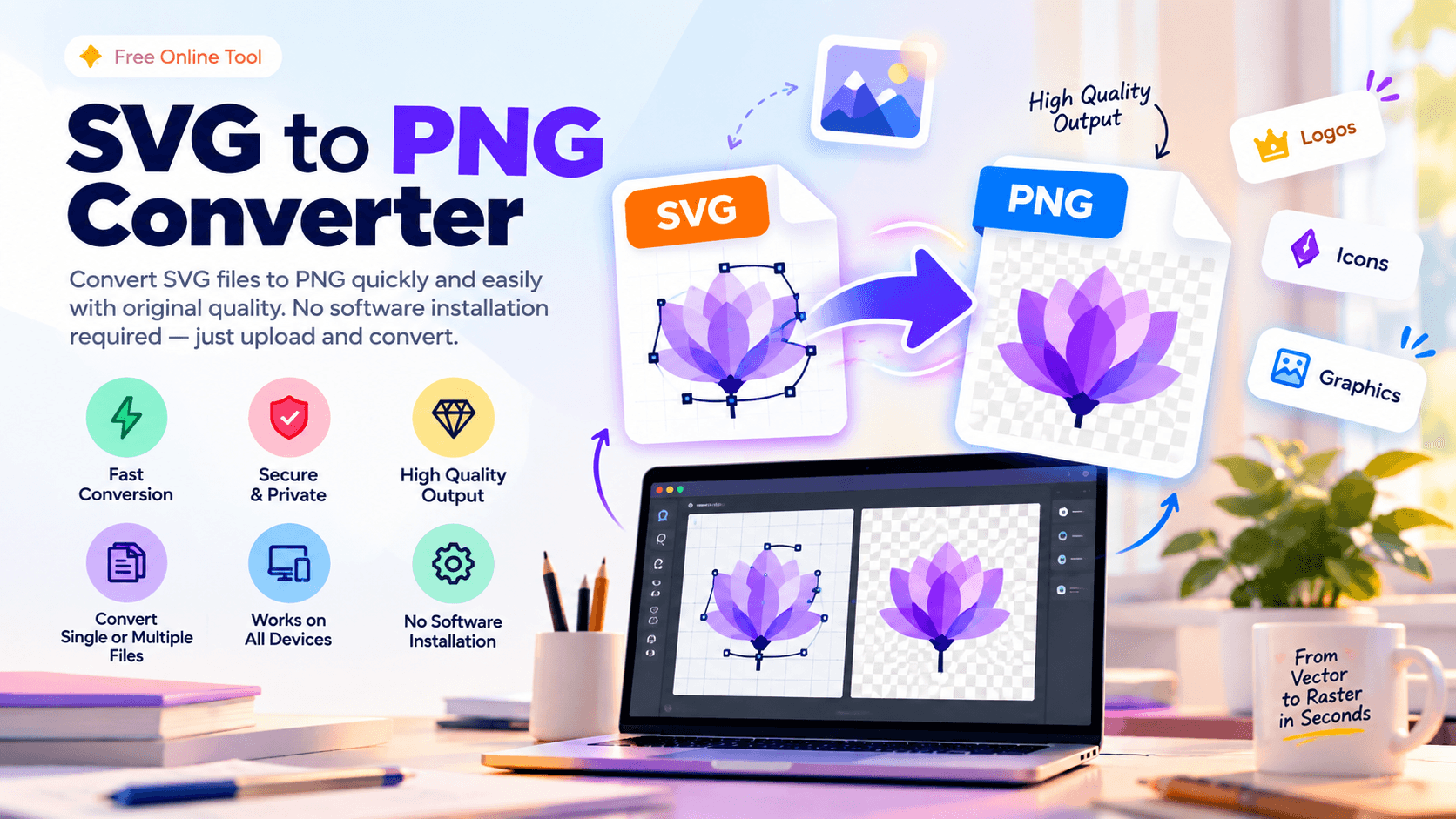
SVG to PNG Converter is a simple online tool that converts SVG files to PNG format while preserving quality. No software installation is needed, and files can be converted quickly and easily within seconds.
Written by SamundraLast updated
Drag and drop files here
Supports .svg — multiple files at once
Your files are never uploaded anywhere — conversion happens entirely on your device.
No files yet
Add files above to start converting.

Introduction
How to use
Open and Upload the File
Click the Upload button and choose the SVG files from your device.

Convert Files into PNG
After uploading the files, the SVG files are converted into PNG format. The conversion process is simple and quick.
Download PNG Files
Once the files have been converted into PNG format, you can easily download and store the converted PNG files on your device.
Frequently asked questions
Does the quality reduce when converting SVG to PNG?
No, the quality does not change. Even after converting the image to PNG, you can store it with its original quality.
Is the SVG to PNG Converter tool free?
Yes, this tool is completely free and can be easily used on any platform.
How can I convert SVG to PNG?
First, upload the SVG file. Then, it will be easily converted into PNG within seconds without reducing its original quality.
Is our data secure when using the SVG to PNG Converter?
Yes, this tool is very reliable and secure. It properly protects all data from unauthorized access.
Last updated:
Share this tool
Know someone who'd find it useful? Send it their way.